
A Claude Squad alternative
that runs on Windows.
Several agents at once, without tmux or WSL.
Run multiple Claude Code and Codex sessions at once in a native Windows app, with Grok too, and a notification when one needs you.
Get AigoPilot Available for Windows 10 & 11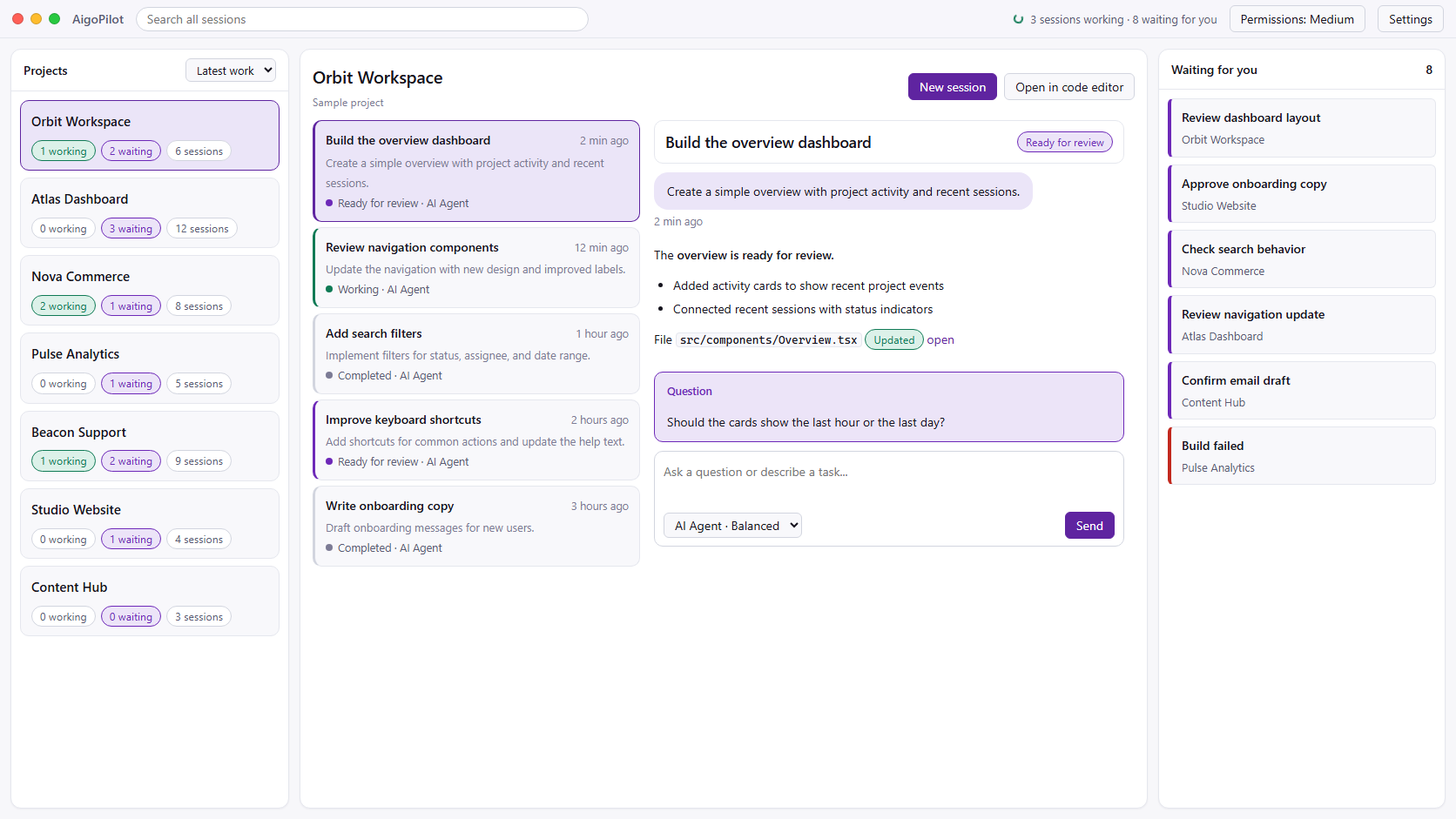
 Claude Code
 Codex
Codex GrokYour subscriptions. Your machine. Your control.
Built for tmux,
so WSL on Windows.
From Claude Squad's own repository, read on 4 October 2026.
Claude Squad is a free, open-source terminal app that runs several agents at once, such as Claude Code, Codex, Gemini and Aider, each in its own git worktree, with tmux keeping them apart. It is well made and popular.
It needs tmux, which Windows does not have. Its releases do include Windows builds, but an open issue reports that the Windows binary fails as soon as you start a session, because a library it depends on does not support Windows. In practice, Windows users run Claude Squad inside WSL.
If WSL is already where you work, that is a fine setup. If you want your agents in a Windows window instead, that is where AigoPilot comes in.
Claude Squad and
AigoPilot, compared.
| Claude Squad | AigoPilot | |
|---|---|---|
| What it is | A terminal app, built on tmux | A Windows desktop app |
| Windows | Through WSL in practice | Native, Windows 10 and 11 |
| Price | Free, AGPL 3.0 | 49 USD a year, or 99 USD once |
| Agents | Claude Code, Codex, Gemini, Aider and others | Claude Code, Codex, Grok |
| Several sessions | Yes, a git worktree per session | Yes, across every project |
| Notifications | Not stated | Windows notifications when a session finishes or needs you |
| Marketing, sales, support | No | Yes |
Stay, or
switch?
Stay with Claude Squad if you live in the terminal, already use WSL and like tmux. It is free and does its job well.
Try AigoPilot if you want your Claude Code and Codex sessions in a native Windows window, a notification when one needs you instead of checking panes, and help with the business side once the product works.
Other free options that run natively on Windows, such as Nimbalyst and Pane, are in the best Claude Code GUIs for Windows.
- Claude Squad: github.com/smtg-ai/claude-squad
- The Windows issue: smtg-ai/claude-squad#275
Before you
decide.
Does Claude Squad work on Windows?
It ships Windows builds, but an open issue reports that the Windows binary fails when you start a session, because a library it uses does not support Windows. In practice people run it under WSL.
Is Claude Squad free?
Yes. Claude Squad is free and open source under the AGPL 3.0 licence. AigoPilot is paid.
Can AigoPilot run Claude Code and Codex at the same time, like Claude Squad?
Yes. AigoPilot runs Claude Code, Codex and Grok sessions side by side, across all your projects, through each tool's official CLI.
Should I switch if Claude Squad works for me?
Not necessarily. If you live in the terminal, use WSL and like tmux, Claude Squad is a good free tool. AigoPilot is for people who want a Windows window, notifications, and the business work after the build.
