
Where tokens go and how AigoPilot saves them
The studio cannot make a model use fewer tokens. It shows where they go and takes away a few habits that waste them.
Planned. One place to control caching, compaction and sub-agents, the settings that cost tokens, does not exist yet. The parts below work separately, each where it belongs.
Most tokens are spent on things you sent before. A coding session does not remember anything between messages: the tool sends the conversation so far again with every new message. That is cheap while the provider's cache is alive and full price when it is not, and either way the conversation keeps growing. AigoPilot cannot make a model use fewer tokens. What it does is show you where they go, and take away a few of the habits that waste them.

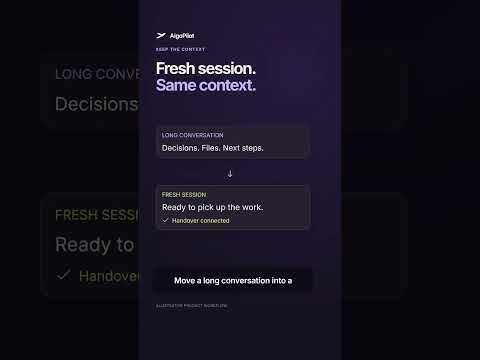

Where tokens go
- Repeated context. Every message carries the whole history. A long session is expensive per message even when each message is short.
- Big files. A PDF or a spreadsheet read into the conversation stays in it, and is sent again with every later message.
- A cold cache. After the cache of a session has run out, the next message pays for the entire history once more.
- Work that nobody watches. One project can quietly take most of a week's limit.
What the studio does about it
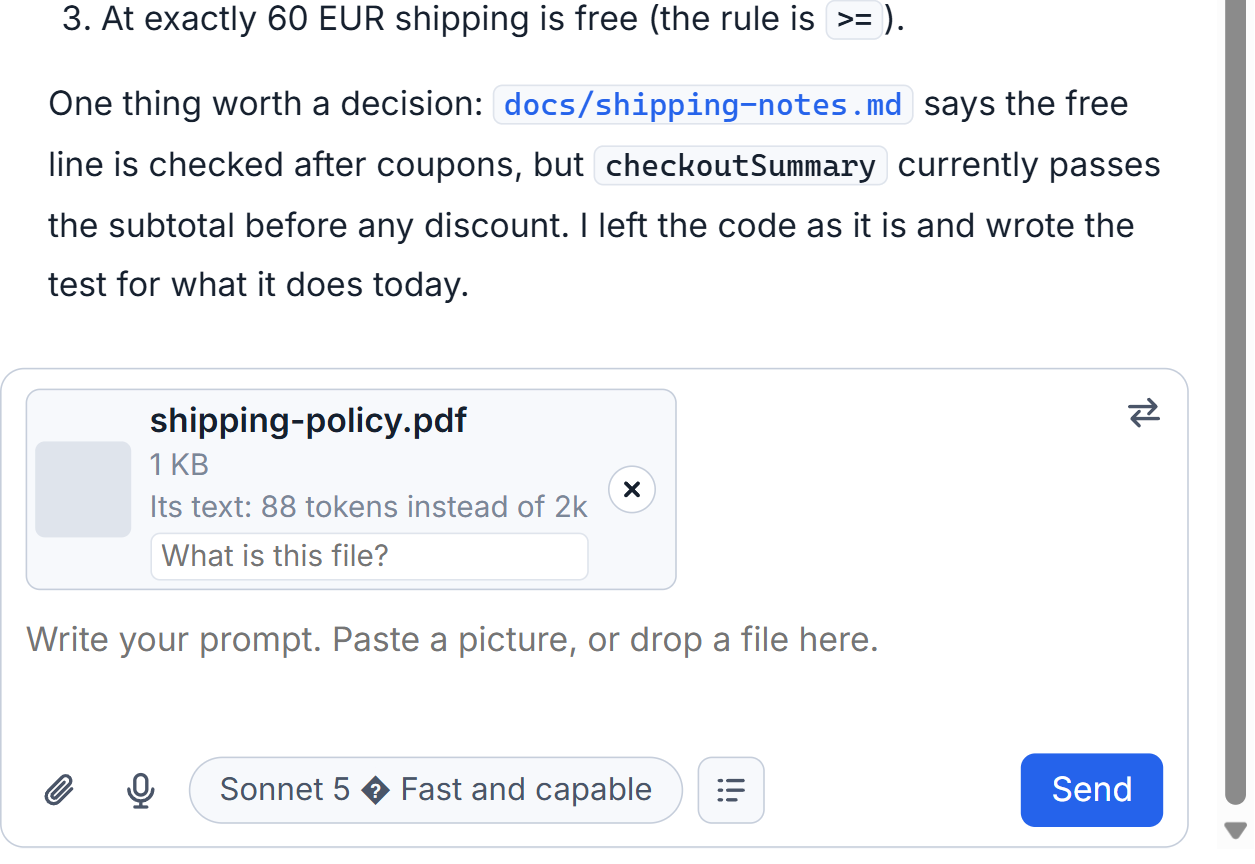
It turns documents into plain text before the model sees them. A PDF, Word, Excel or PowerPoint file is converted on your computer, and under each file the box shows how many tokens its text costs against what the original would have. See Attach documents: PDF, Word, Excel and PowerPoint as text.
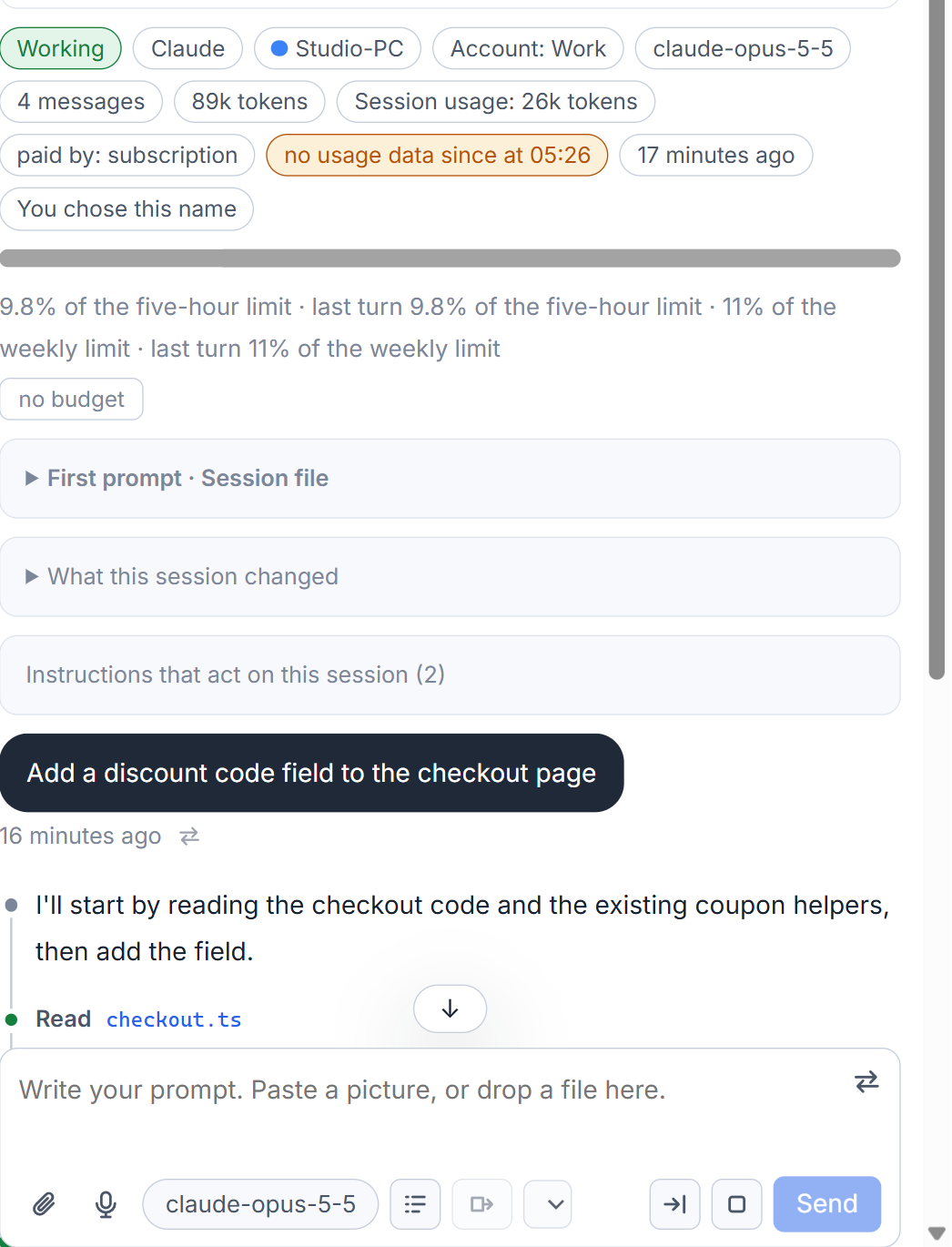
It shows what fills the window. The bar under a session's name splits its context into the system prompt, tools, extension tools, helpers, memory files, skills and the conversation, with the size and share of each, and a thin line where Claude Code compacts by itself. For Codex only the total is known. See The context bar.
It suggests a fresh start. The session's weight chip says how full its memory is, and from 60 percent on suggests continuing in a fresh session. A handover has the old session write down the goal, what is done, the decisions, what is open and the next step, and a new session begins from that note and not from the whole history. When a conversation no longer fits the window of the model, a card offers three ways out: compact it, hand it over, or move to a model with a bigger window. See Continue in a fresh session with a handover.
It warns about the cache. A ring beside a finished Claude session counts down the time the provider keeps its cache, a reminder comes ten minutes before the end for big sessions, and a note above the box tells you, before you send, that a cold cache means the whole history goes again. See The cache countdown and the reminder.
It finds the project that eats the limit. Every project card has its share of the usage, the list can be sorted by Most usage, and the Usage window opens a project into its sessions and each session into its helpers. See The usage page. For one session that spends too fast, a budget and a guard against sudden use can hold its turn (When you hit a usage limit).
What it does not promise
There is no figure here such as "saves 40 percent". How much you save depends on what you work on, and the studio measures only what it can: tokens before and after a converted file, tokens in a context, tokens a cold cache would send again. The compaction of a conversation is still done by the tool; the studio lets you ask for it and reports when it happened, with the size before and after.
Small tips
Watch for the heavy mark on a session
From 60 percent of the window on, the weight chip of a session suggests continuing in a fresh session. A heavy session answers slower and costs more per message.
Click the context bar to open its parts
The bar shows the parts of a session's context as colours. A click lists each part with its name, its size and its share, and the thin line marks where Claude Code compacts by itself.
Questions
How many tokens will AigoPilot save me?
There is no fixed figure. It depends on what you work on. The studio measures what it can: tokens before and after a converted file, tokens in a context, and tokens a cold cache would send again.
Does AigoPilot compact my conversation?
The tool does the compacting. The studio lets you ask for it, offers it when a conversation no longer fits, and reports the size before and after.