
The context bar: what is filling the window
Know what is filling a session's memory, and act before the window is full.
Every request a session makes carries the whole conversation with it, plus the tool's own instructions, its tools and your project's files of instructions. The model can hold only so much at once. The context bar shows how much of that space is used, and by what.
It matters because a full window makes answers slower and dearer, and past the limit the model cannot take the next request at all. The bar lets you act before that.
Where to look
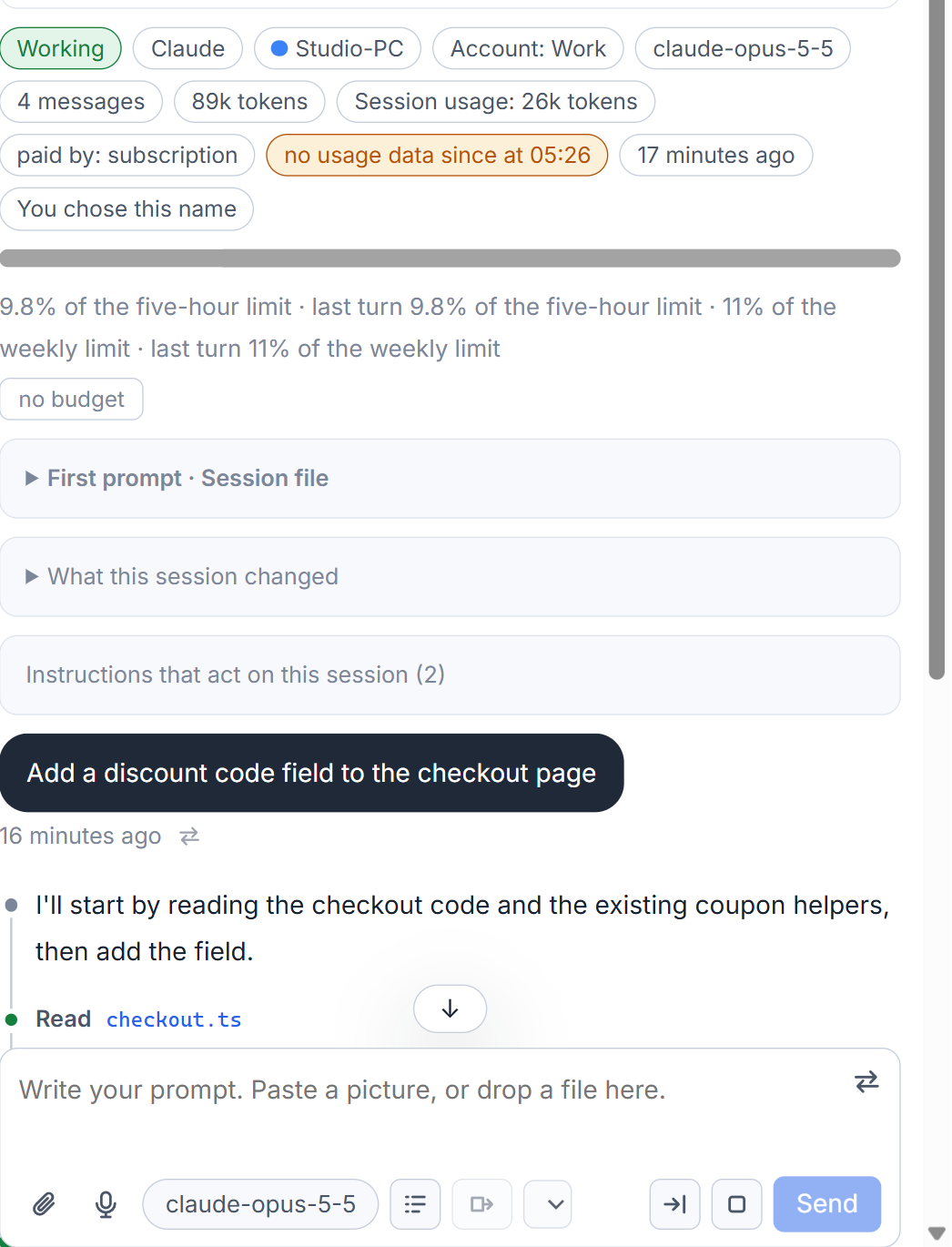
In the header of a session, a chip reads like "44k of 1M tokens (4%)": what the model has in front of it now, the size of its window, and the share. From 60 percent the chip is coloured, and its tooltip says that continuing in a fresh session is the thing to do. When the studio cannot tell the size of the window, it measures against 200 thousand.
Below it is the bar itself, one row, one colour for each part, always in the same order.
What the parts are
Click the bar and each part opens with its name, its tokens and its share of the window:
- System prompt and Tools, what the tool itself puts in;
- MCP tools, Sub-agents and Skills, the ones you have set up;
- Instructions and memory, the files described in the instruction files behind a session;
- Conversation, the part that grows as you work;
- Other and Free.
A thin line across the bar marks where Claude Code compacts the conversation by itself, and the tooltip says from how many tokens.
The breakdown is Claude Code's own report, not an estimate by the studio. The studio asks for it when you open the page and when the session has said something since, never on a timer, and the answer takes about a second and costs nothing. A session that is not running shows the last answer it has, with how long ago it was asked, and is never started just to be asked. For a tool that does not say what its memory is made of, only the total is shown.
When it fills
When a turn fails because the conversation no longer fits, a card says "This conversation no longer fits the window of the model" and offers three ways out:
- Compact the conversation gives Claude Code its compact command. The conversation is summed up and the session goes on.
- Go on in a fresh session asks the session for a handover and opens a new session with it. If the handover does not fit either, compact first. See continue in a fresh session.
- Move to a model with a larger window, when Claude Code lists one. Your next message is sent with it. If the session already works with the largest, the card says so.
You do not need to wait for the card. A coloured chip is the sign to compact or hand over while the session still works.
Claude Code also compacts by itself when it judges it must. The studio does not hide that: a note in the conversation says that Claude Code compacted the conversation by itself, with the number of tokens before and after.
To save tokens in other ways, see how AigoPilot saves tokens.
Small tips
Find the line where Claude Code compacts
The thin line across the bar is where Claude Code compacts the conversation by itself. Hover the bar to see from how many tokens.
Read an idle session's bar without waking it
A session that is not running shows the last answer the studio kept, with how long ago it was asked. It is never started just to refresh the bar.
Questions
Is the breakdown an estimate?
No. It is Claude Code's own report of what its memory is made of. For a tool that does not report parts, only the total is shown.
Does reading the bar cost anything?
No. The studio asks the running tool, which answers in about a second without a model call, and it never starts a session just to ask.