
Model, effort and plan mode
The row under the prompt box decides who answers and how hard they think; plan mode makes them plan first.
Under the prompt box is a row that decides who answers you and how hard they think: the model, the effort, and for Claude Code a sign for plan mode. The choice belongs to the session in front of you. Another session can use another model at the same moment.
The models are not AigoPilot's. They are the models of the tool the session runs with, used through your own subscription, and the studio only shows the list the tool offers on that day.
Pick a model and an effort
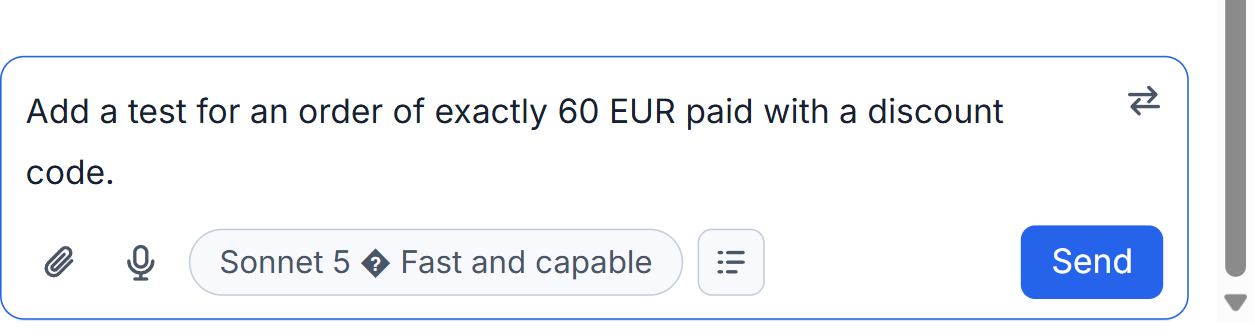
In a Claude Code session, model and effort share one button, for example Opus 5.5 (1M) · High. It opens a list headed "Select a model", with Claude Code's own one-line description of each model and, at the bottom, the effort as a row of dots.
In a Codex or Grok session there are two choosers, one for the model and one for the effort. Codex has a third control, a lightning sign called Speed: lit, it answers sooner and uses your plan's allowance about 2.5 times as quickly, with the same model and answers no better or worse. It belongs to a moment when you are waiting, not to leave on.
A heavier model and a higher effort both think more. That helps on hard work, and costs time and usage. For small work a lighter model is the right choice. As of October 2026, by the makers' list prices, Fable 5.1 cost about two and a half times Opus 5.5 for the same text, Sonnet 5 half, Haiku 4.5 a quarter. In Codex, GPT-6-Astra was about five times GPT-6-Sol and GPT-6-Luna a twentieth. A subscription is not billed by those prices, but the heavier model reaches your limit faster in about that proportion. Names and prices change; trust your own list.
Change it in the middle of a session
You can change model or effort whenever you like, also while the session is running. Choose, then send your next prompt: the choice is used from that prompt. Nothing is restarted and the session keeps its history.
The conversation says what really happened. For Claude Code a note reads "Works with Opus 5.5 from here on" only after the run itself reported the change. If you asked for one model and the tool used another, you see "You asked for the model A, but Claude Code worked with B". For Codex the new model applies from the next turn, and a refusal reads "Codex did not take A; this turn worked with B".
A change is not free. Every request sends the whole conversation again, and what keeps that cheap is the cache, which belongs to one model. Switch, and the new model reads the session once at full cost. So a cheaper model pays off when many requests remain, and loses when only two or three do. When a Claude Code session has been idle long enough for its cache to expire, the box says so above your words, for example "The cache of this session has probably expired: 5.7 hours have passed since its last request. This message sends about 47k tokens again." That is a good moment to switch, because the full reading is paid anyway. The countdown is explained in the cache countdown.
If a conversation no longer fits the model's window, the card that appears can move you to a model with a bigger one; see the context bar.
Plan mode
The sign with three short lines in the row turns plan mode on and off. Its tooltip reads: "The session plans first and changes nothing until you say so." You can turn it on before a session starts, or on a session that is already running. It is a Claude Code feature; Codex and Grok sessions have no such sign.
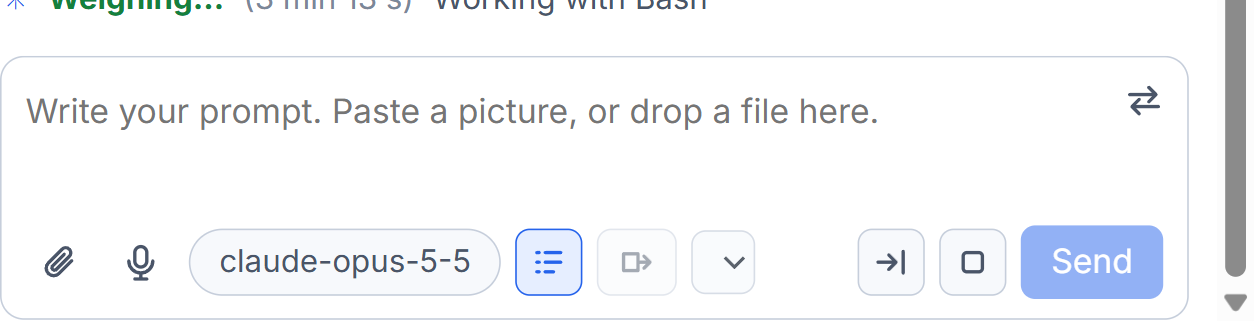
With the sign lit, ask as usual. The session reads the project and thinks, but edits nothing. It then stops with a card called "The plan of this session". Read it, then click Allow and it does what it planned. Or click Do not allow, write what you want different in the field, and it plans again.
Plan mode costs a little time and saves the large mistakes. Use it for work that touches many files, or when you are not sure the session understood. The card is the same one described in answering permission cards and questions.
Small tips
Change the model when the cache has expired
If the box warns that the cache has probably expired, the whole conversation will be read again at full price anyway. That is the cheapest moment to move to another model.
Use Codex speed only while you wait
The lightning sign makes Codex answer sooner but uses the plan's allowance about 2.5 times as quickly. Switch it on for the one request you are waiting on, then off.
Questions
Does a change of model apply at once?
It is used from your next prompt. The studio shows a note only after the tool reports which model it really works with, never just what you asked for.
Is plan mode available for Codex?
No. The plan mode sign is in Claude Code sessions. Codex sessions show a speed control instead.