Recover from temporary errors
Busy servers, dropped connections and an agent that ended unexpectedly can be retried. The next retry time and the original error stay visible, with Try now and Stop the retries at hand.

CODEX ERROR / VIDEO WALKTHROUGH
Temporary errors and repeated permission requests can leave a long task waiting. See how AigoPilot helps your sessions continue, with limits and rules you choose.
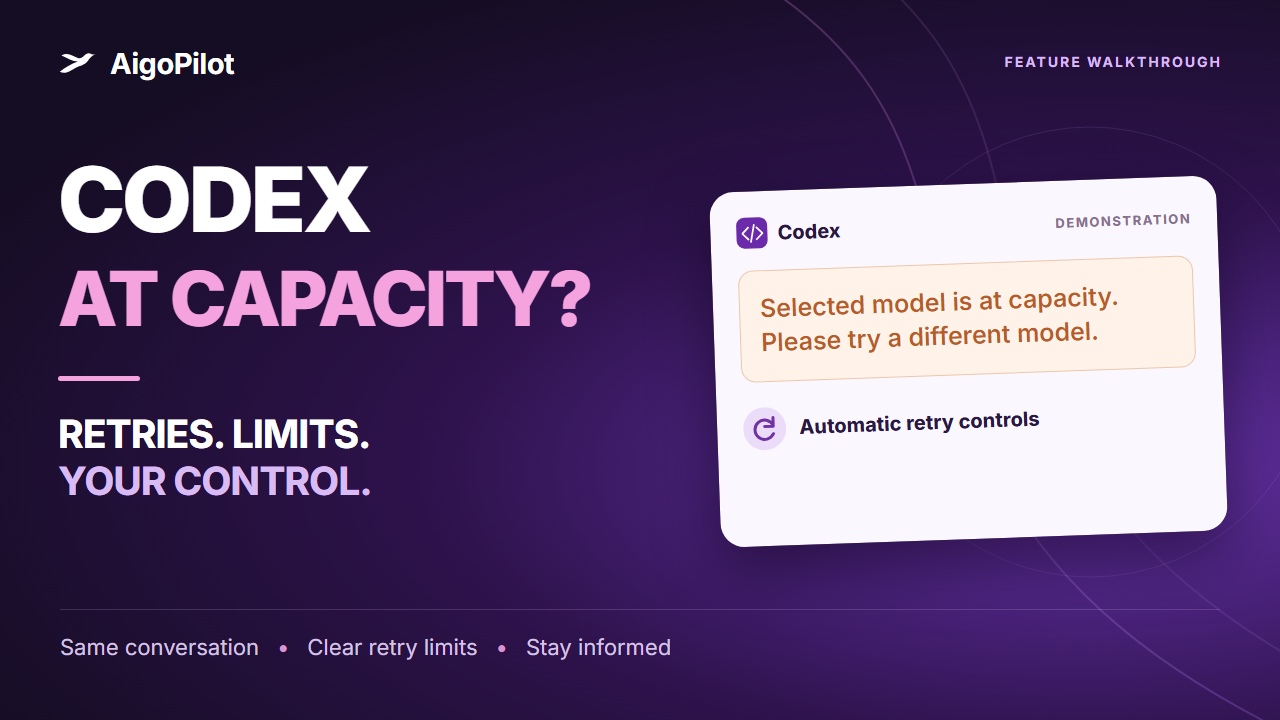
Reconstructed product demonstration with sample data. Retry outcomes depend on the provider.
You leave Codex a long task. A few minutes later, it reports Selected model is at capacity. Please try a different model.
The work sits unfinished until you return and tell it to continue.
AigoPilot recognizes this temporary error. For sessions the studio runs, it waits and sends the instruction to continue in the same conversation, with the same model. If the error returns, the pause grows before the next attempt.
OpenAI's error documentation describes model overload as temporary and recommends waiting before retrying.
Busy servers, dropped connections and an agent that ended unexpectedly can be retried. The next retry time and the original error stay visible, with Try now and Stop the retries at hand.
Choose a permission mode for each computer or project. Routine work can go through under your rules. For eligible repeat requests, Also for similar cases remembers a clearly stated choice that you can remove later.
See every session in one window and choose notifications for answers, permissions, completion and stopped work. A request that needs your decision stays a request, with an explanation of what the action would do.
Retries have a limit. Safety refusals, sign-in and billing problems, invalid requests and a full conversation need a different response. AigoPilot keeps those stopped and tells you why.
Read the details: continue after an error, permission modes and continue after a usage limit resets.
Both plans include the same app and these controls.
$49USD / year
Renews each year until you cancel.
$99USD / once
Pay once. No renewals.
Your AI subscriptions or API usage and paid plugins are separate. A full refund is available within 14 days of your first payment. Refund terms.
Codex is reporting that the selected model is temporarily overloaded. A later attempt may succeed. AigoPilot recognizes this message and can continue the same studio-run session after a pause. It cannot add capacity to OpenAI's servers.
For a recognized temporary error, AigoPilot can retry in the same session, conversation and model. You can try immediately, stop the retries, or choose to wait for your own instruction. A later attempt still depends on the provider being available.
The pauses grow from 1 to 2, 5, 10 and 15 minutes, then to 30 minutes. The default limit is 10 consecutive retries without progress, configurable from 1 to 50. A separate hard limit is three times your chosen cap since your last prompt. AigoPilot alerts you when it gives up.
Yes. Choose the permission mode for a computer or project. Medium lets ordinary work inside the project proceed and asks about actions outside it or actions that cannot be undone. Eligible repeat requests can become a clearly scoped rule. Requests that still need your decision remain visible and can trigger a notification.
No. Recognized safety refusals, sign-in and billing problems, invalid requests and a full conversation stay stopped. Usage-limit continuation follows your settings and waits for the reset when the tool reports one. Retries do not increase your quota or guarantee that a job will finish.
AigoPilot runs on Windows, Macs with Apple silicon and x86_64 Linux. Keep the computer running and connected, and use your own Claude Code, Codex or Grok account. The studio costs $49 USD a year or $99 USD once for lifetime access, on up to three computers. AI usage and paid plugins cost separately.
Independent software. Not affiliated with OpenAI, Anthropic or xAI.